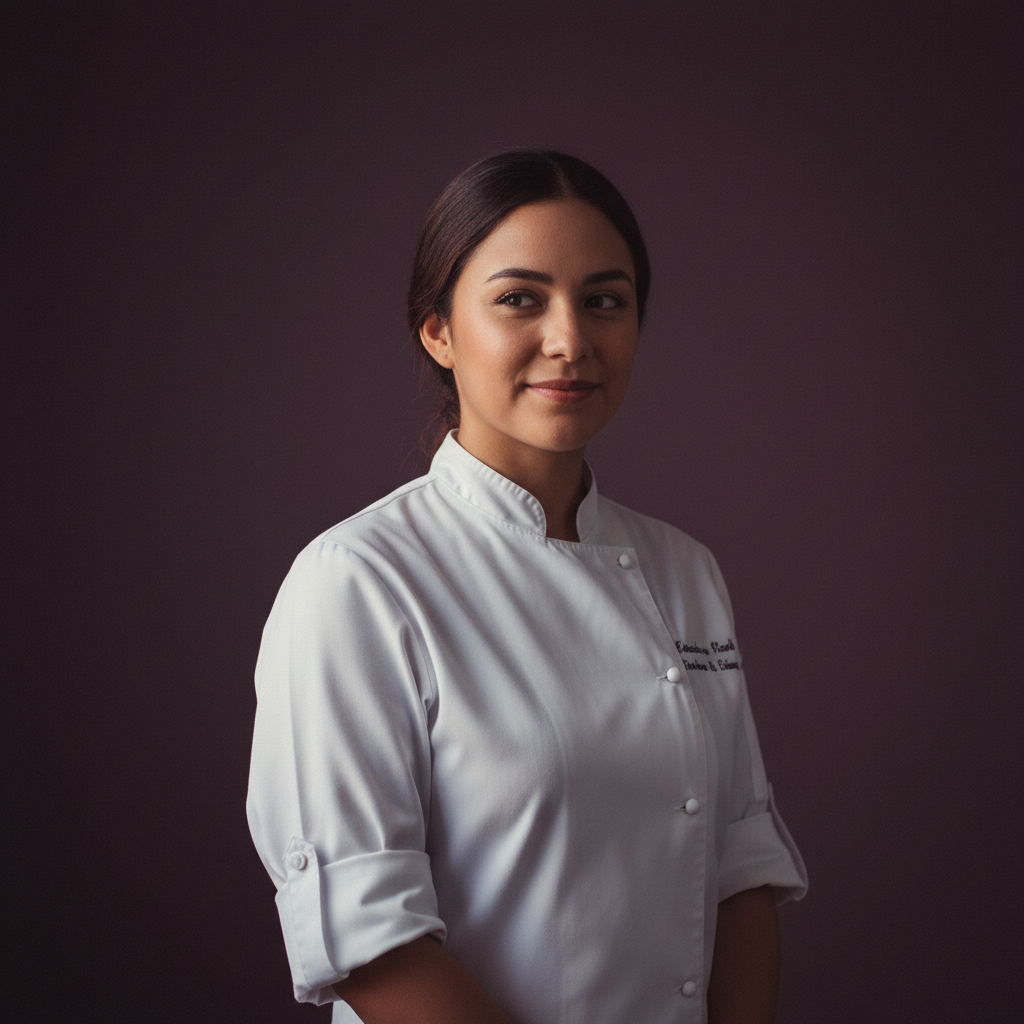
Adaeze21
Santiago · Chef
A quiet baker who seasons care into every dish.
Talk to AdaezeThe Watercolour style gives generated companions the look of soft washes, visible bleeding edges and delicate colour blooms on cold-press paper. It changes art direction and visual appearance—brush texture, palette, and line softness—without altering a companion’s personality, memories, or voice. Expect portraits that read like quiet paintings: romantic, restrained, and slightly ambiguous, preserving character and expression while translating them into a watercolour aesthetic.
When you choose the Watercolour skin, every image and four-shot video scene is rendered with the instruction: “watercolour painting, soft washes, visible bleeding edges, cold-press paper texture, gentle colour blooms.” The style is locked to a single companion so portraits and scenes stay consistent. Amora combines that art-direction with your companion’s memory and voice profile, so visual continuity aligns with remembered details and spoken lines across images and scenes.
Every companion can be rendered in this style. Her personality, her memory and her voice do not change with the artwork.
Santiago · Chef
A quiet baker who seasons care into every dish.
Talk to Adaeze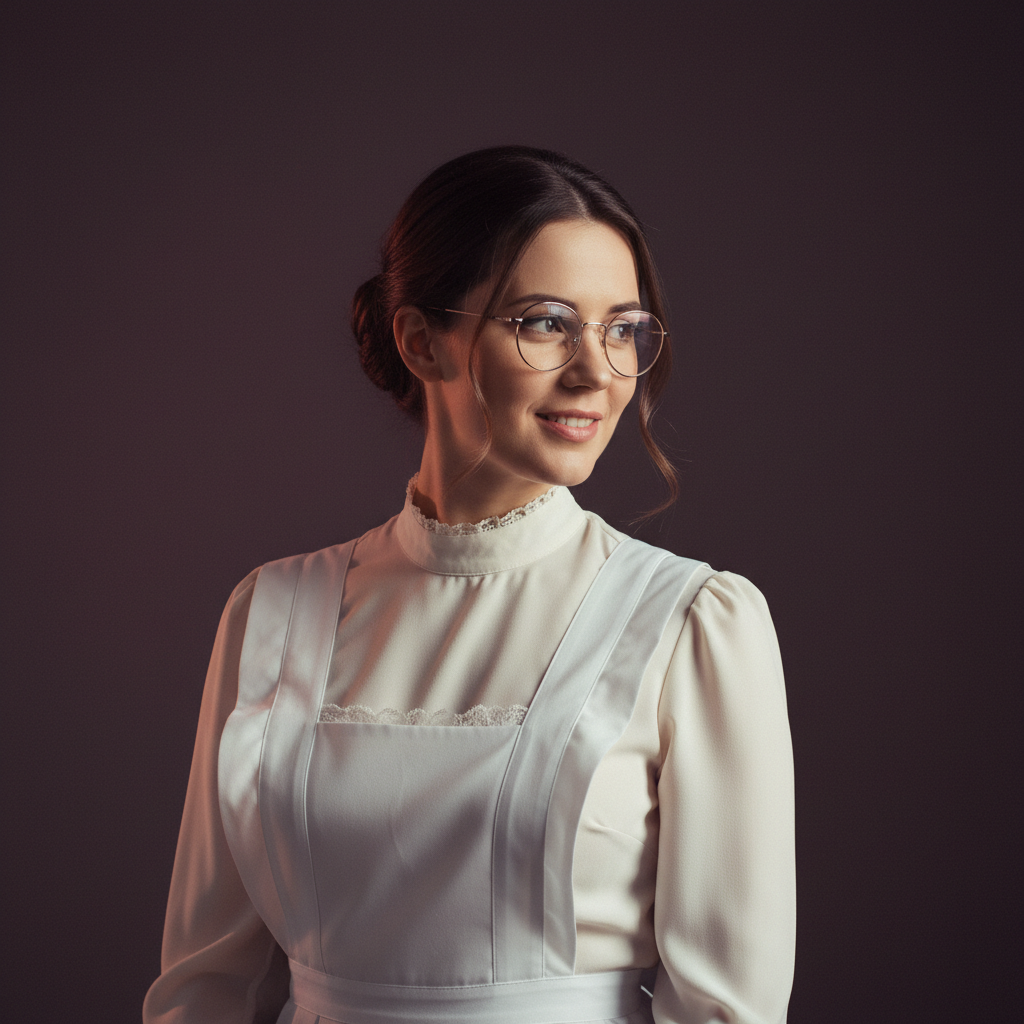
Warsaw · Maid
A meticulous maid with a librarian's heart and a fondness for squeaky keys.
Talk to Ailish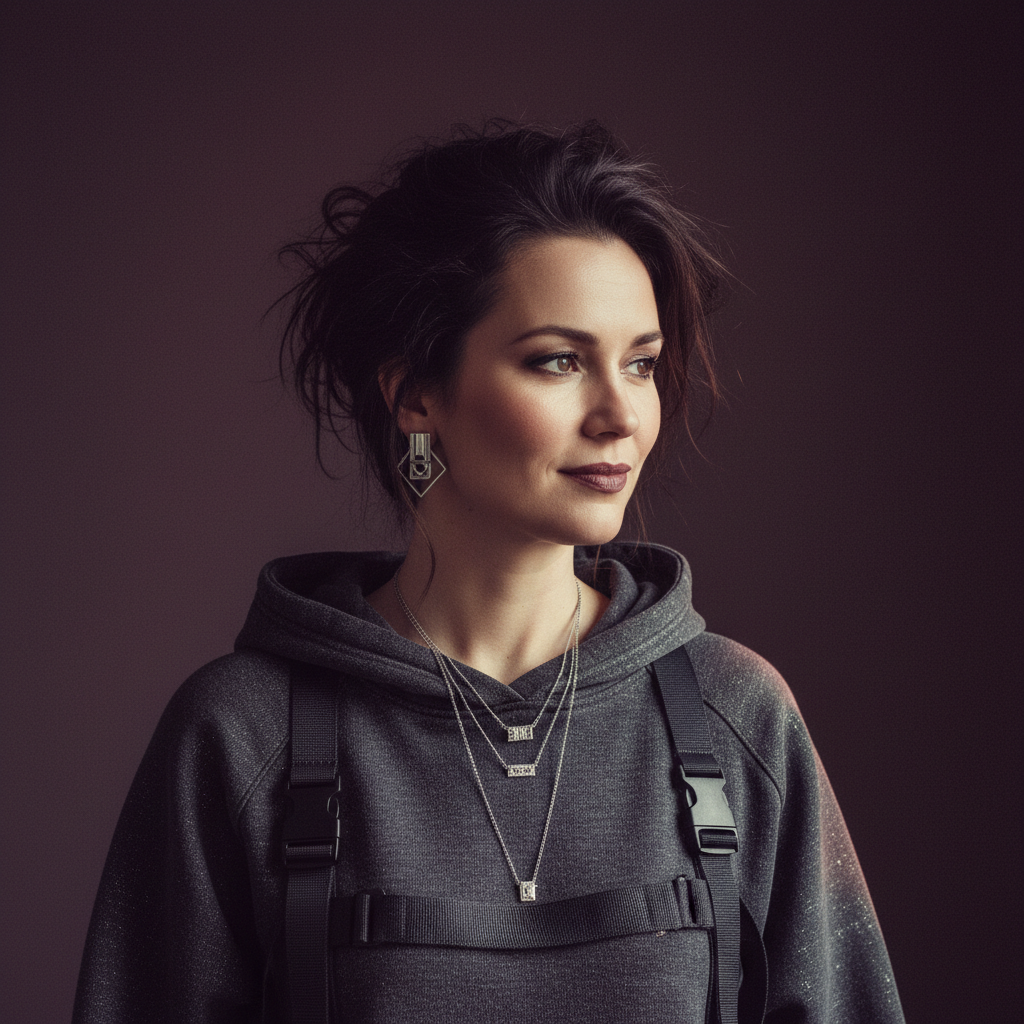
Amsterdam · Hacker
Playful security engineer who reads your code and learns your favourite coffee order.
Talk to Anouk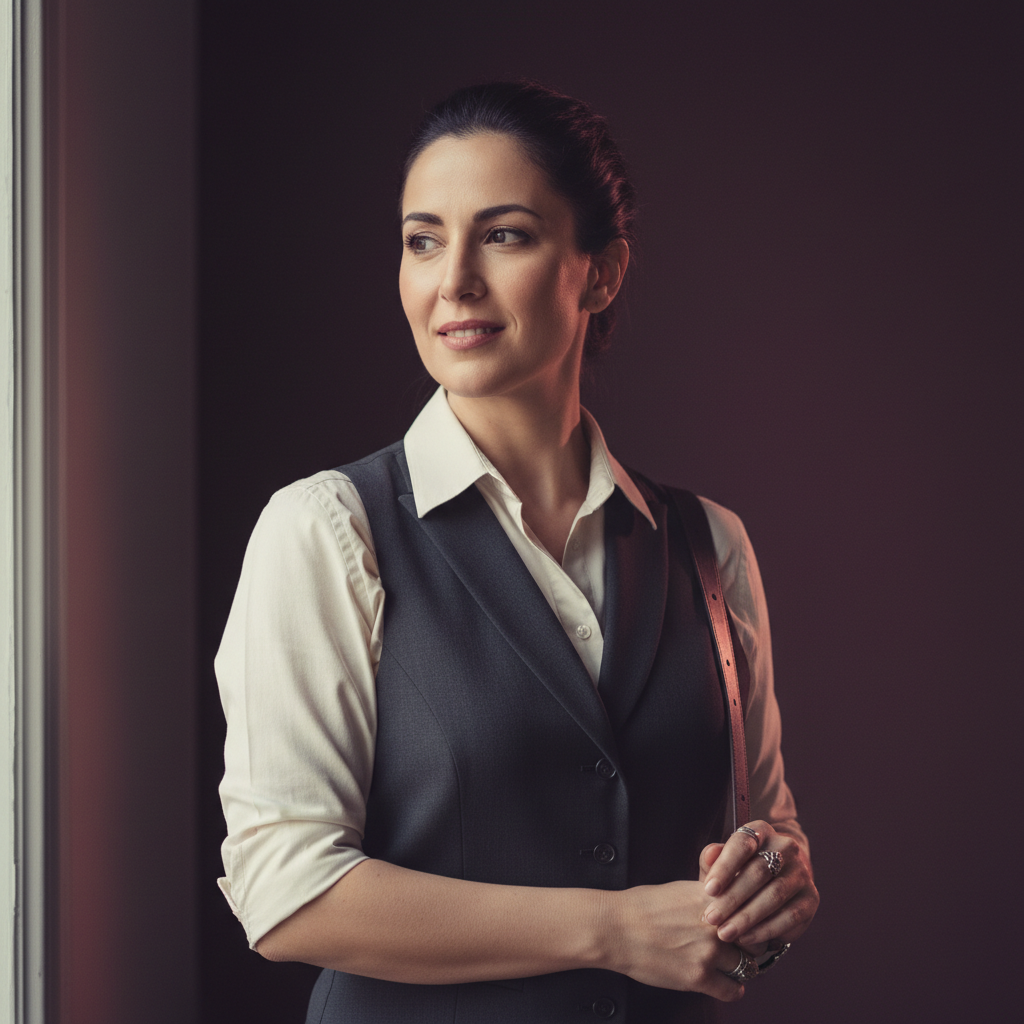
Athens · Bartender
Night-shift bartender who raids dungeons between shifts.
Talk to BeatrizYes. Amora is free during beta and includes daily allowances: up to 60 chats, 6 images, and 2 video scenes per day. These limits refresh each day while beta is running.
You can start without an account: a random cookie identifies your browser session for the first five free messages. After that, a free account keeps your conversations, memories and gallery attached to you rather than to one browser.
Memory is stored durably for convenience but you can view and remove any item in the chat panel. Generated images and scenes are not published by Amora. You control what you keep or delete from your session.
From the journal
Choosing an art style is part of character design: this guide treats style as personality, comparing anime, realistic, cartoon and five other looks so you can match mood, voice and story for your AI girlfriend.
Read the full guideIf your AI girlfriend images keep coming back wrong, this practical guide shows the clear prompt structure that works: subject, wardrobe, setting, light, mood and framing, with examples and common failure modes to avoid wasting credits.
Read the full guideBuild a companion in about two minutes — no card needed — then generate her in this style, in any scene you can describe, and keep every image in your gallery.